
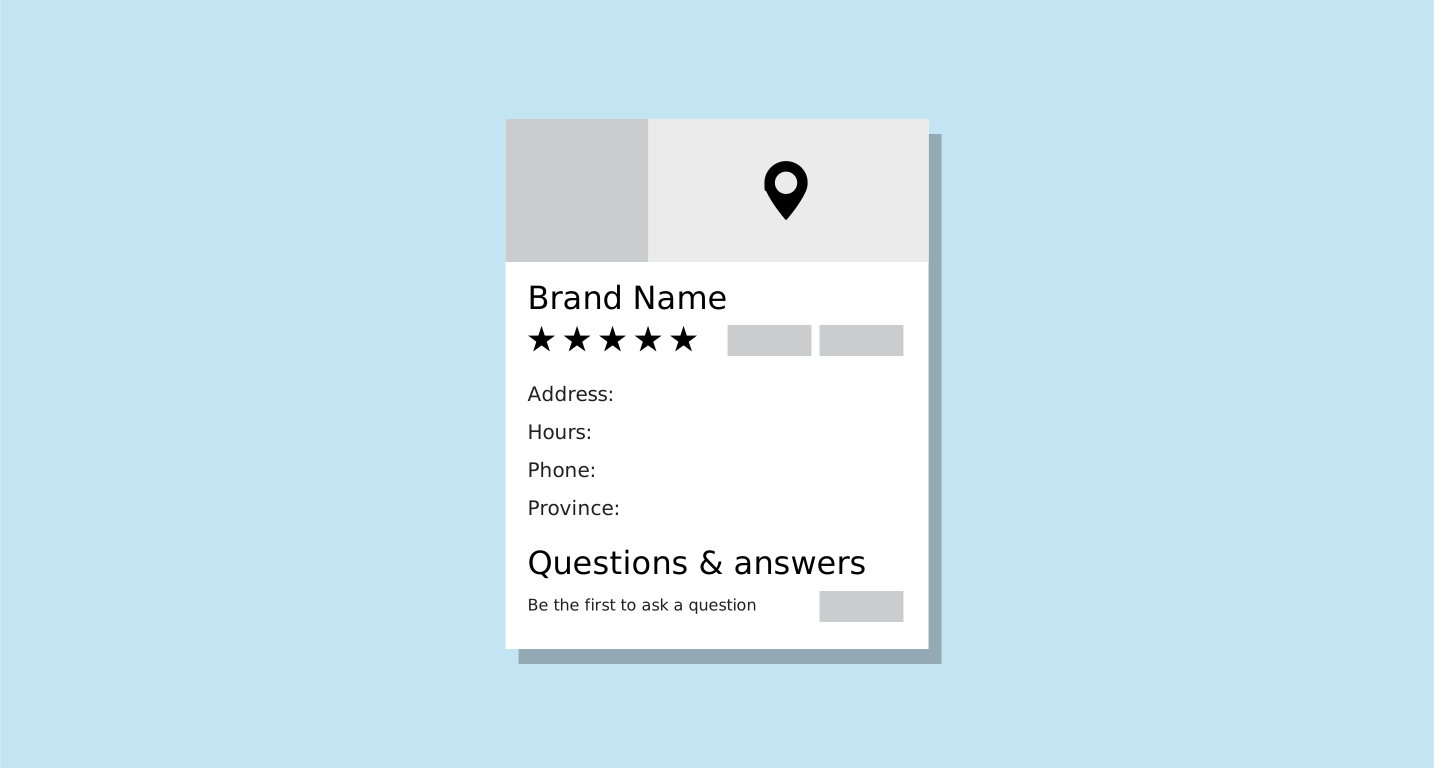
Schema is also know as Structured Data or Rich Snippets
Schema data tells the search engine what your site is about and who owns it. It is also the way you get a graphical search result, where the right-hand sidebar of the Google results is populated.
Beginner
The easiest way for a beginner to incorporate schema is to use HTML. There are many tools and plugins available to help you generate your schema data. Your HTML should look something like this:
<div itemscope itemtype="http://schema.org/LocalBusiness">
    <meta itemprop="description" content="Description">
    <link itemprop="url" href="http://brand.ca" rel="author"/>
    <a itemprop="url" href="http://brand.ca"><span itemprop="name">Brand</span></a>
    <div itemprop="address" itemscope itemtype="http://schema.org/PostalAddress">
        <span itemprop="streetAddress">123 Brand Street</span>
        <div>
            <span itemprop="addressLocality">Toronto</span>,
            <span itemprop="addressRegion>Ontario</span>
        </div>
        <span itemprop="postalCode>P1P 1Z9</span>
        <span itemprop="addressCountry>Canada</span>
    </div>
</div>
Once you have a good start, I suggest using the "Schema.org" tools you can find through search to find the schema type you added, then add any missing data, such as logo, hours & phone.
Advanced
Use either of the JSON schema generators you can find online with a quick search, and enter all your information. You then place the generated code within the body <head></head> of the page you are working on. Your code should look something like this:
<script type='application/ld+json'>
    {
        "@context": "http://www.schema.org",
        "@type": "GeneralContractor",
        "name": "Brand",
        "url": "http://brand.ca",
        "logo": "http://brand.ca/img/logo.png",
        "description": "Description",
        "address": {
            "@type": "PostalAddress",
            "streetAddress": "123 Brand Street.",
            "addressLocality": "Toronto",
            "addressRegion": "Ontario",
            "postalCode": "P1P 1Z9",
            "addressCountry": "Canada"
        },
        "geo": {
            "@type": "GeoCoordinates",
            "latitude": "44.9189508",
            "longitude": "-79.3927797"
        },
        "hasMap": "https://maps.app.goo.gl/eSprEjMzPzAvH6uy9",
        "openingHours": "Mo 09:00-05:00",
        "contactPoint": {
            "@type": "ContactPoint",
            "telephone": "705-123-4567"
        }
    }
</script>
Schema Tips!
-
Become a Schema Ninja and look up the
sameAsitemprop. Add it to all of your schema to signal to search engines that your social channels are worth building a better online presence for. -
Add more than one schema per page. For instance, if you have a blog post you are working on, you would want to include schemas for Website, Person, Article & possibly Local Business if you are one.
-
Schema doesn't have to be visible on the page for search engines to see it. If you are using the beginner method with HTML, I suggest just hiding the entire div with inline code, such as
style="display: none;".